Friday, September 7, 2012
marks_advertisment
in this project I used a logo i had edited last year and up graded it to my liking i used layer styes such as bevel and emboss, contour, and outer glow. i used the magic wand to select just the letters so i could edit them.
Monday, June 4, 2012
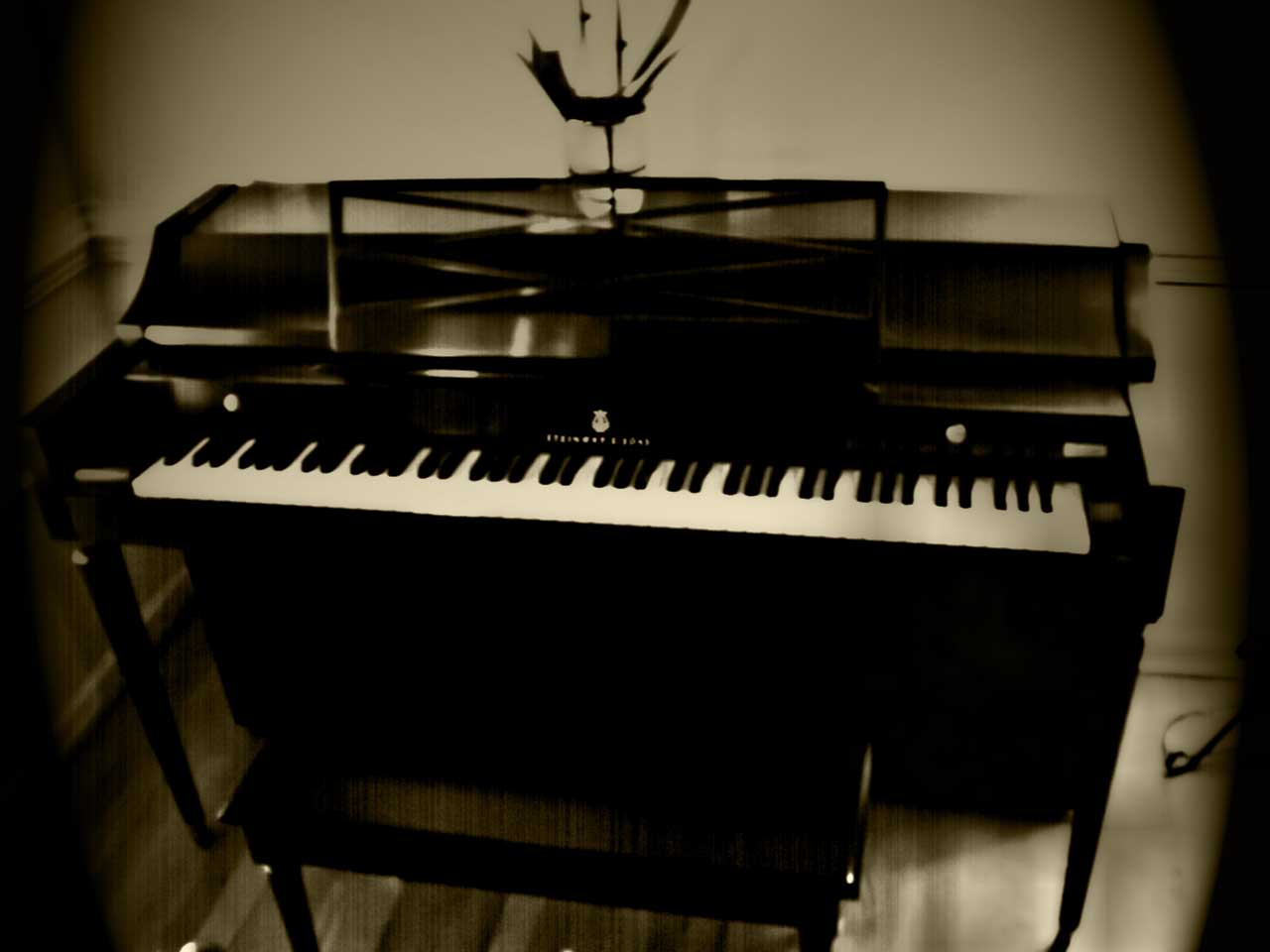
photo aging
in this project i took a pic of my piano and added a dark tint to it. i used a gradient map and lighting effects to make it realisticly old
out of proportion
in this project i took lebron james and made him a giant. i made it realistic with lighting effects and shadows. and even a tiny car.
reflections
in this project i took a valley duplicated the top half of the image and flipped it horizontily. i then added a ripple filter effect and a boat for perks.
carters mountain advertisment
in this project I took text and warped it to fit the contour of the glasses. i then added a glowing effect to the text
Wednesday, April 25, 2012
dafont
in this project i used a black bacround (ideal for if you are going to make lines and text glow) i then made a heart and a pulse meter and made them glow red with the outer glow effect in photoshop.
lights
i set the backround black. then by using a picture of a soccer ball i used the pen tool to make different lines and motion effects.
Subscribe to:
Posts (Atom)