Friday, November 2, 2012
google doodle
in this project i used my signature effect of outer glow. i started with the goolge logo and then individually selected each letter. then, using the outer glow layer effect and the bevel+emboss effect, i added the contour and glow that makes this piece come to life.
Thursday, October 18, 2012
color challange
Using pictures that i took of white objects i was able to put5 together this simple collage of my best pictures.i did not really use any tools other than the move tool in this project.
picture worth a thousand words
In this piece I took a picture of a lion, representing my favorite fictional character Aslan. i followed step by step instructions on how to use the text tool to fill in the selected shadows and highlights of a photo.
Friday, September 28, 2012
uelsmann
in this project i took a piacture of the sky and a picture of a barn and , by using black and white effects and the eraser tool i made the barn look as if it had no roof.
Friday, September 7, 2012
marks_radialcollage
In this Project i used old logos that i created last year . All i did was take the images and arrange them in a spiral radial pattern.
marks_inspiration
In this collage i used my favorite basketball player and my favorite team the heat to create my inspirational collage. I used masking tools and outer glow layer styles.
marks_collage1
In this project i used ten preselected images to create one image/ collage. i used masking tools and the clone stamp tool to create this piece.
marks_advertisment
in this project I used a logo i had edited last year and up graded it to my liking i used layer styes such as bevel and emboss, contour, and outer glow. i used the magic wand to select just the letters so i could edit them.
Monday, June 4, 2012
photo aging
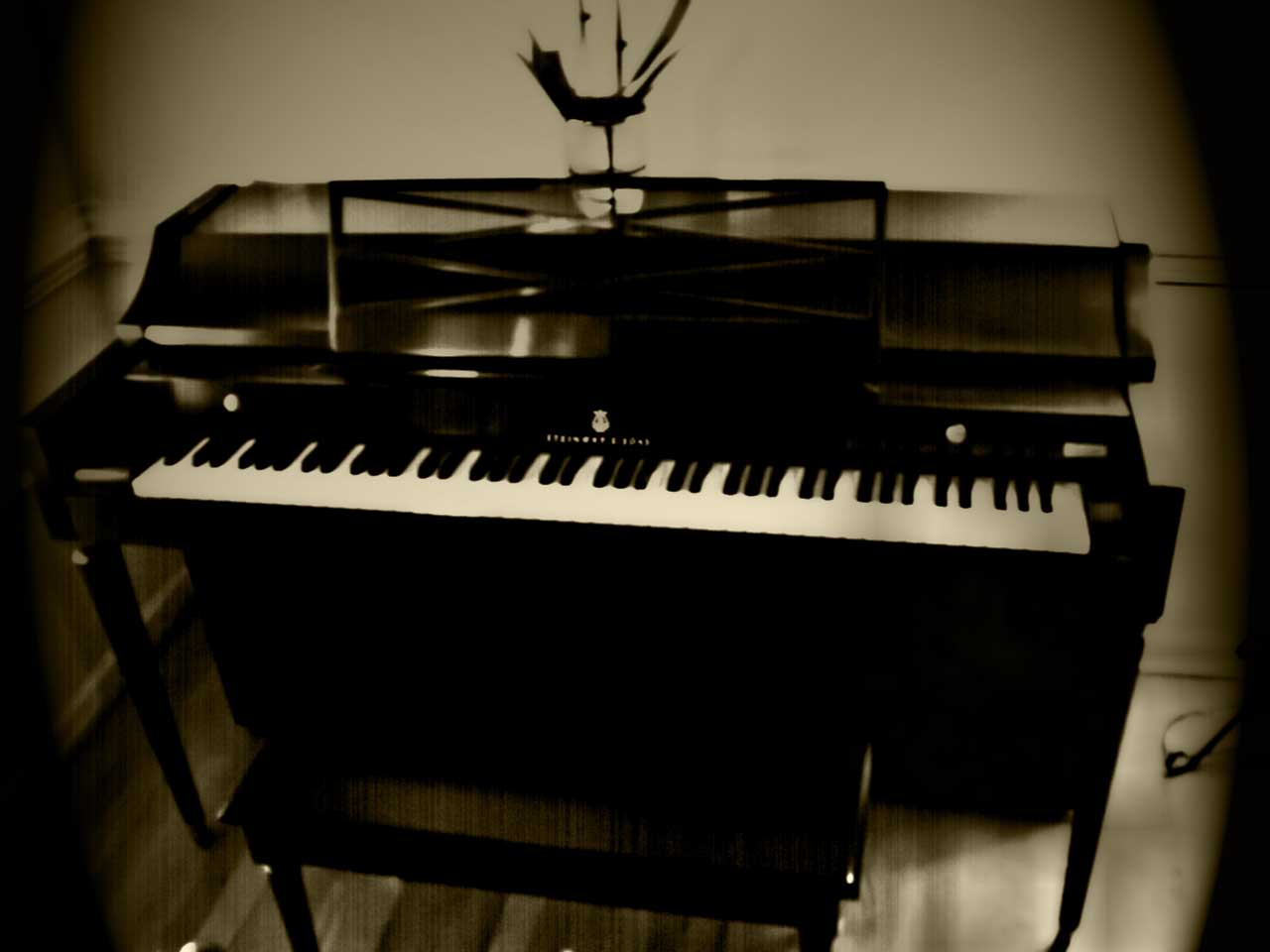
in this project i took a pic of my piano and added a dark tint to it. i used a gradient map and lighting effects to make it realisticly old
out of proportion
in this project i took lebron james and made him a giant. i made it realistic with lighting effects and shadows. and even a tiny car.
reflections
in this project i took a valley duplicated the top half of the image and flipped it horizontily. i then added a ripple filter effect and a boat for perks.
carters mountain advertisment
in this project I took text and warped it to fit the contour of the glasses. i then added a glowing effect to the text
Wednesday, April 25, 2012
dafont
in this project i used a black bacround (ideal for if you are going to make lines and text glow) i then made a heart and a pulse meter and made them glow red with the outer glow effect in photoshop.
lights
i set the backround black. then by using a picture of a soccer ball i used the pen tool to make different lines and motion effects.
Friday, April 13, 2012
collage
with the insiering idea from charles wrights crash force i took exotic cars an blened them together to make this one picture/collage. i made sure that both the cars and the borders are visible for each individual picture.
shapes
with pictures i took at my house i created 4 new 6 by 6 document. i then inserted the pictures one by one and squared them 2 by 2.
Wednesday, April 11, 2012
typography
it took a picture of a pagani zonda and ,using letters, i then out line the cars details with these letters.
Tuesday, March 27, 2012
tiger lily
i used tiger stripes on a tiger lily by duplicating and cloning the original image of the tiger stripes.
kaliedascope
i took the greenbay packers logo croped out part of it an than made a triangle out of the one image. i then duplicated the triange and transformed it to make a mirror image of the orriginal. i did this step over and over.
Subscribe to:
Posts (Atom)


